Rotate the arena
Your finger changes the scene around the monkey. Watch how that movement alters the next landing rather than treating it like a conventional directional control.
BANANAS. BOUNCES. ONE MORE TRY.
 Spiky Kong: Monkey Banana RushBy webgogames
A bouncing monkey meets a rotating arena. Make room for the next landing, collect bananas and find your rhythm.
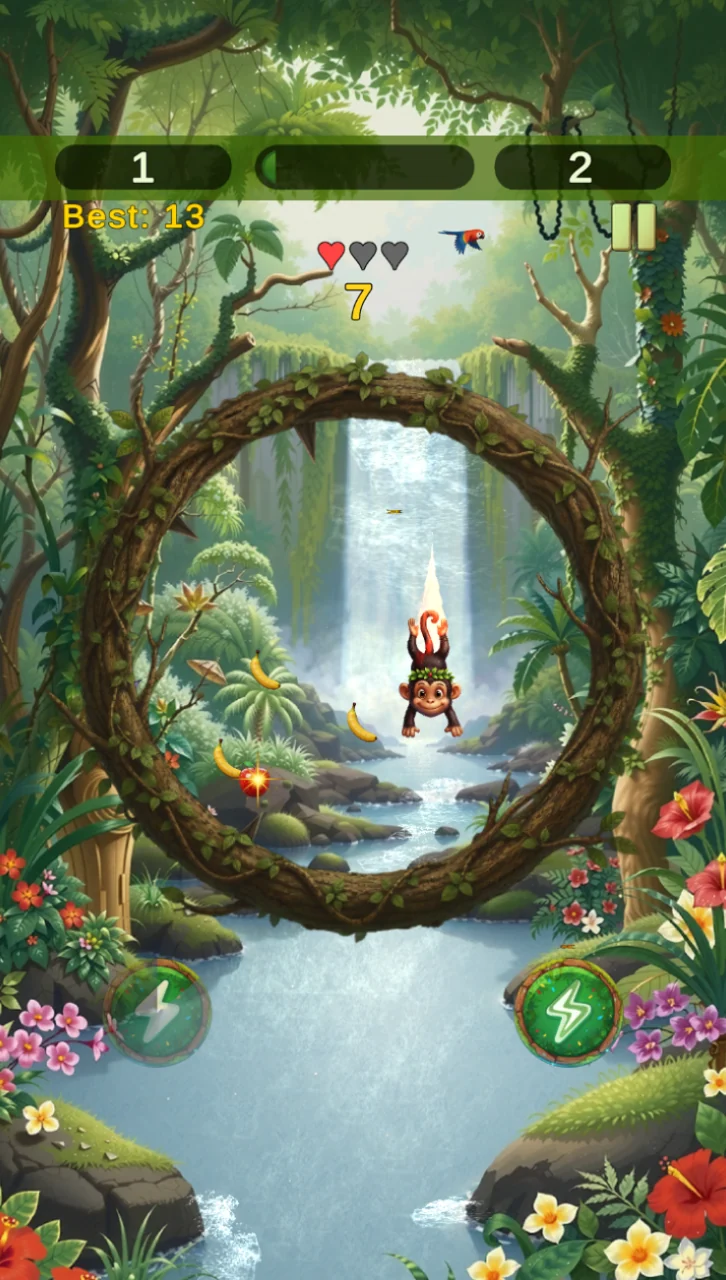
A DIFFERENT KIND
OF MONKEY BUSINESS.
01 / THE IDEA
Spiky Kong starts with a tap, then puts your attention on the space around the monkey. The character bounces automatically while a swipe or drag rotates the circular arena. Instead of steering a runner along a track, you move the hazards to create a safer path through the next bounce.
For players who enjoy short arcade attempts, one-finger controls and improving through repetition. The quick reactions may be more demanding than the cheerful artwork suggests; take a break when the controls start to feel rushed.
02 / THE PLAYBOOK
Your finger changes the scene around the monkey. Watch how that movement alters the next landing rather than treating it like a conventional directional control.
The monkey’s automatic movement is the rhythm to learn. Keep your attention slightly ahead of its current position.
Bananas and power-ups give you things to pursue, but a collectible is useful only when the approach leaves a safe path.
03 / FIELD NOTES
The safest move can be the smallest one.From the Press Any Button editorial notebook
A dramatic swipe can solve one danger while creating another. Try to use only as much rotation as the situation needs.
Following the monkey’s current position alone can make every decision feel late. Give the next part of its path some attention.
A collectible need not dictate the entire route. Keep survival in mind before chasing something awkwardly placed.
If your hand drifts over important details, take a pause between attempts and return to a comfortable position.
04 / FIRST SESSION
Check compatibility and open the game. Read the controls and choose a comfortable grip that leaves the arena visible.
Start the bouncing motion and watch its rhythm. Use the opening moments to connect the monkey’s path with the shape of the arena.
Swipe or drag with one finger to reposition the scene and its spikes. Start with modest adjustments rather than large corrections.
After an attempt, identify one moment you could read earlier. Bring that specific lesson into the next run.
05 / FIND YOUR PACE
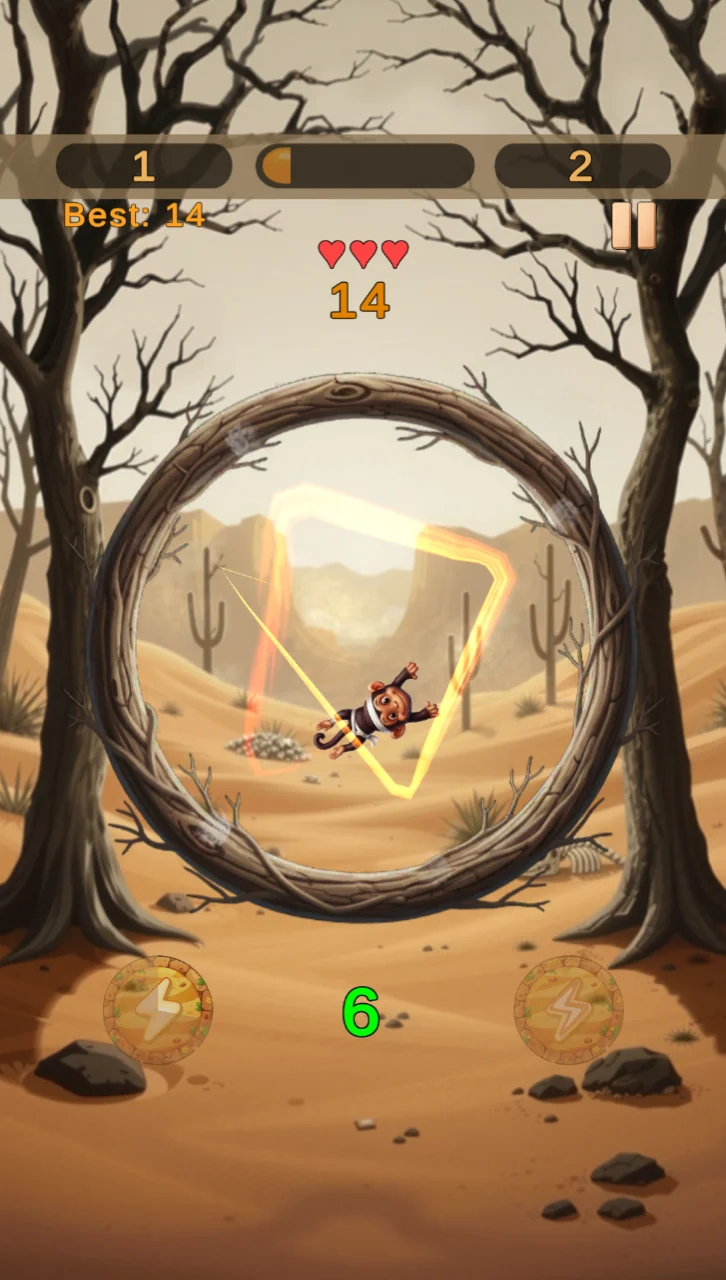
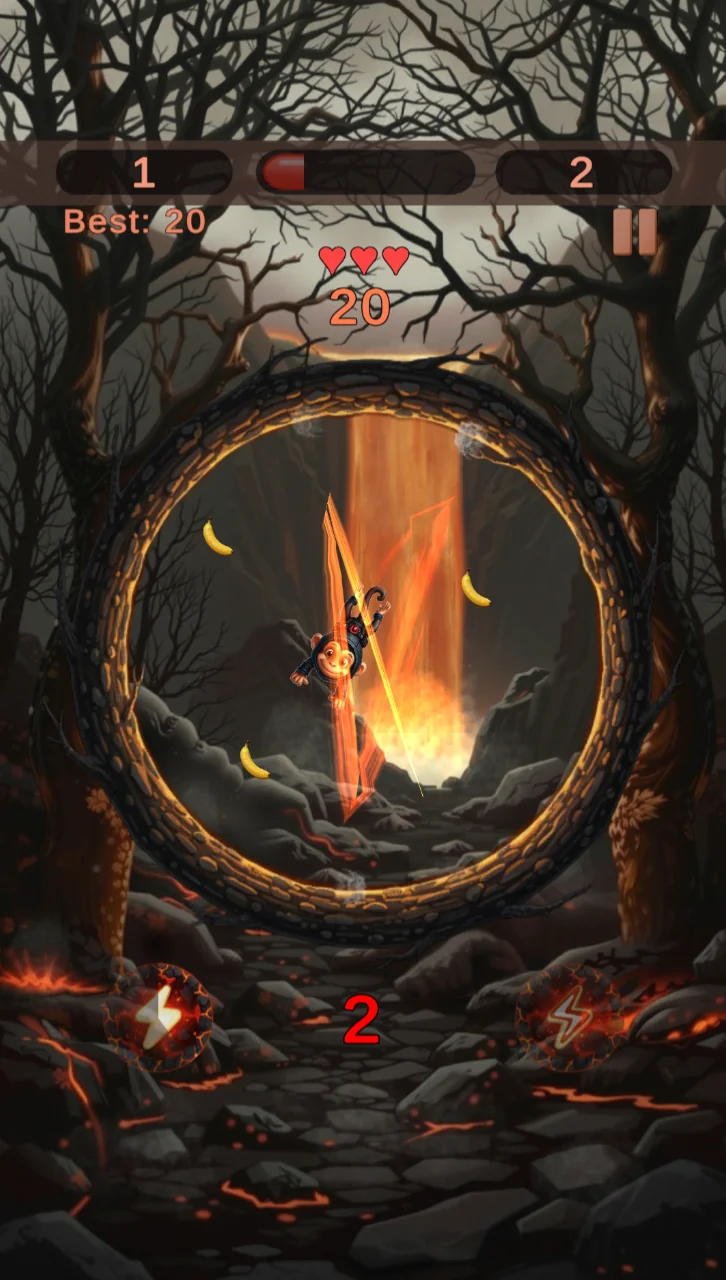
Two of the four environments in the official presentation. Let a new look prompt a fresh check of the hazards rather than an assumption that every route is identical.
The other environments change the scenery around the arcade challenge. Give visibility and contrast a moment of attention as you settle in.
Choose a short run focused on consistency. This is a suggested approach, not an additional menu mode.
06 / PROGRESS
Bananas and power-ups are part of the game’s arcade progression. Collecting them adds a second aim to staying clear of the spikes. Keep their on-screen instructions in view and decide whether a collection opportunity fits a safe route instead of assuming every item must be chased.
Focus on reading the next landing. Pick one decision to improve, then notice whether it becomes easier to make. A useful result is something you can explain, not just a number on a screen.
For a friendly comparison, agree on the same version and activity first. Compare what you learned as well as any result the game displays. Never share account access to prove a score.
07 / COMMUNITY NOTEBOOK
Illustrative practice table only. Fictional aliases and sample sessions; not live scores, official ranks or a prize competition.
| Place | Example player | Practice sessions | Focus |
|---|---|---|---|
| 01 | QuietOrbit | 8 | Read before reacting |
| 02 | BrightRoute | 6 | Make smaller adjustments |
| 03 | NextChapter | 5 | Finish with a clear lesson |
08 / SMALL COURSE CORRECTIONS
The arena rotates around an automatically bouncing character. Relearn that relationship before chasing a long run.
An oversized swipe can undo a useful position. Slow down the adjustment, not your attention.
Pick one avoidable decision from the last attempt. Repeating the same habit is less useful than changing a small detail.
09 / OUR TAKE
Rotating the arena is the idea that gives this monkey game its character. The control changes what the player needs to watch: the useful question is where to move the danger, not where to run next. This impression comes from official materials, not a hands-on review.
Choose a comfortable session length, keep the volume at a considerate level and pause when your attention starts to drift. A mission or a personal best can wait. If a child plays, review the first session together and check the store’s supervision settings.
10 / DEVELOPER & UPDATES
The release notes introduce the bouncing and banana-collecting adventure. Check the current listing for any more recent changes.
We checked the official presentation, images and developer contact. The game is published by webgogames; for technical questions, use [email protected].
A slow practice setting and additional contrast options for spikes would be useful. These are our editorial suggestions, not promised features.
11 / BEFORE YOU INSTALL
Check the current Android requirement, version, size and compatibility in Google Play from your device. Keep enough free space for installation and updates. Availability and pricing can vary by region.
The listing identifies advertising and in-app purchases. Read each confirmation before accepting a charge. This website neither processes payments nor sells game items.
Read the developer’s privacy policy and the permissions shown by your device before playing. Direct questions about the application’s data practices to its support email.
Review permissions before accepting them and revisit them in Android settings when needed. Questions about game data belong with the developer. This independent website cannot change your app account or delete data held by another service.
12 / QUICK ANSWERS
Spiky Kong: Monkey Banana Rush is presented as a one-finger arcade. This guide focuses on its central idea: tap. rotate. survive.
Use the Google Play buttons on this site. They all lead to the official application listing; we do not provide APK files or downloads from other stores.
The developer shown on the official listing is webgogames. Press Any Button is an independent editorial website.
Start the bouncing motion and watch its rhythm. Use the opening moments to connect the monkey’s path with the shape of the arena.
A dramatic swipe can solve one danger while creating another. Try to use only as much rotation as the situation needs.
The listing identifies advertising and in-app purchases. Read each confirmation before accepting a charge. This website neither processes payments nor sells game items.
The official presentation describes offline play. Downloads, updates and external services still need a connection.
Open Google Play on the device you plan to use. Check compatibility, the current version, download size and available space there before installing.
No. It is a clearly labelled editorial example using fictional aliases and practice-session counts. This website does not connect to player accounts or collect scores.
The US listing checked for this guide is rated Everyone. Review the current age rating and content information before a child plays; a parent or carer should also check ads, purchases and permissions.
Contact [email protected], the developer support address published in Google Play. Describe the issue and device without sending passwords or payment credentials.
No. Press Any Button publishes independent editorial information. Installation, accounts, purchases and game support are handled by their respective providers.
YOUR NEXT SAVEPOINT